How to Use Seedance 2.5 in Dreamina: Step-by-Step Guide (2026)
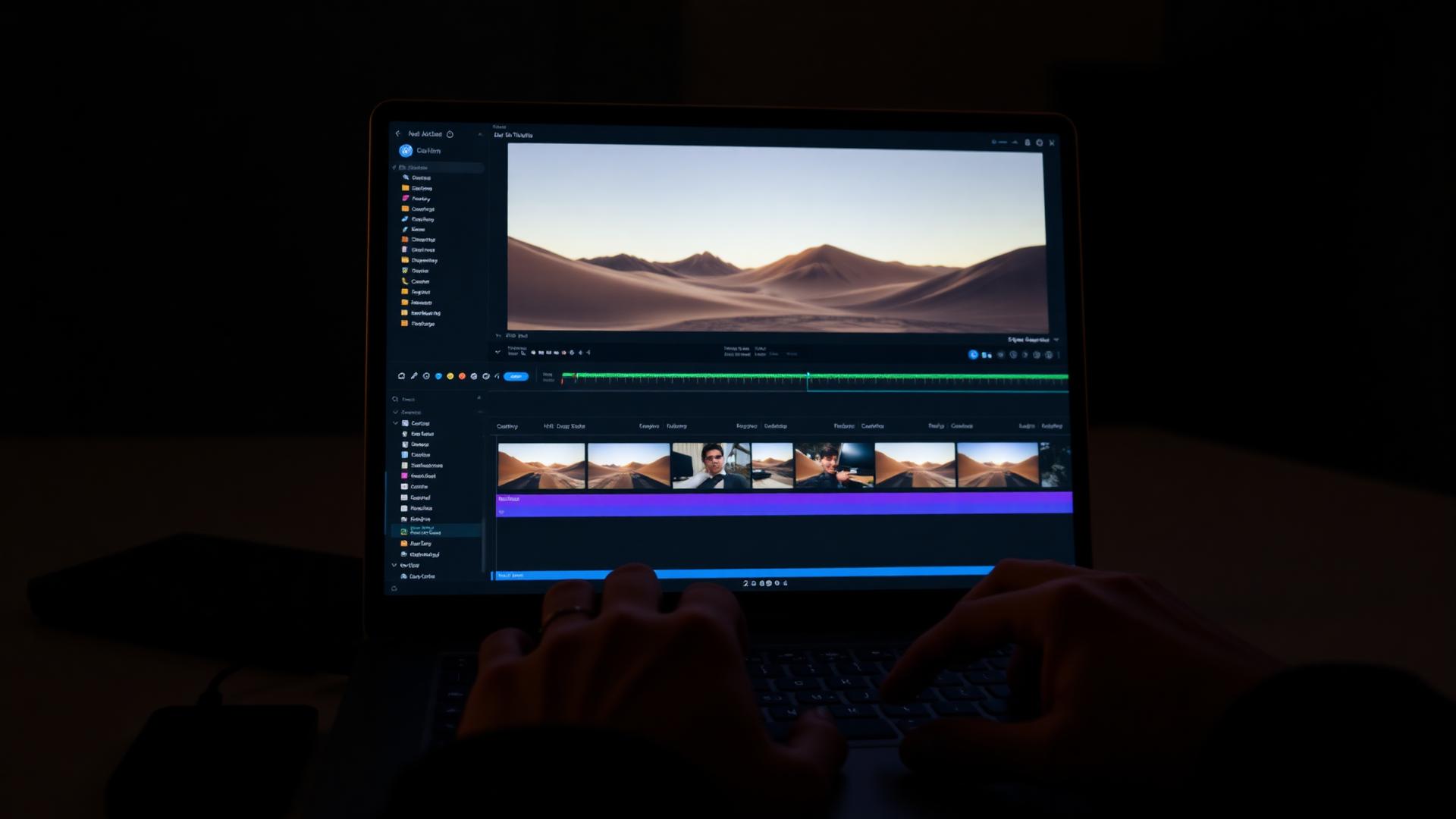
Dreamina is the fastest way to get hands on Seedance 2.5. This is the workflow that wastes the fewest credits.
Step 1 — Open the video generator
Sign in to Dreamina, go to the AI video section, and choose the Seedance model from the model selector. If 2.5 is not listed, it has not reached your region or plan tier yet; the interface is otherwise identical.
Step 2 — Pick your format before you prompt
Set aspect ratio first. For paid social you want 9:16. For YouTube pre-roll, 16:9. Changing this later means regenerating, and regenerating means credits.
Step 3 — Write the prompt in four blocks
The structure that consistently works:
- Subject — who or what is on screen, described physically.
- Action — one action, in one sentence.
- Camera — the shot type and movement.
- Look — lighting, lens feel, colour.
Example:
A woman in her late twenties holding a matte black skincare bottle at chest height. She turns the bottle to face the camera and smiles briefly. Slow push in, eye level, shallow depth of field. Soft window light, warm neutral grade, shot on 50mm.
One action per clip. Two actions is the single most common cause of morphing.
Step 4 — Use an image as the anchor
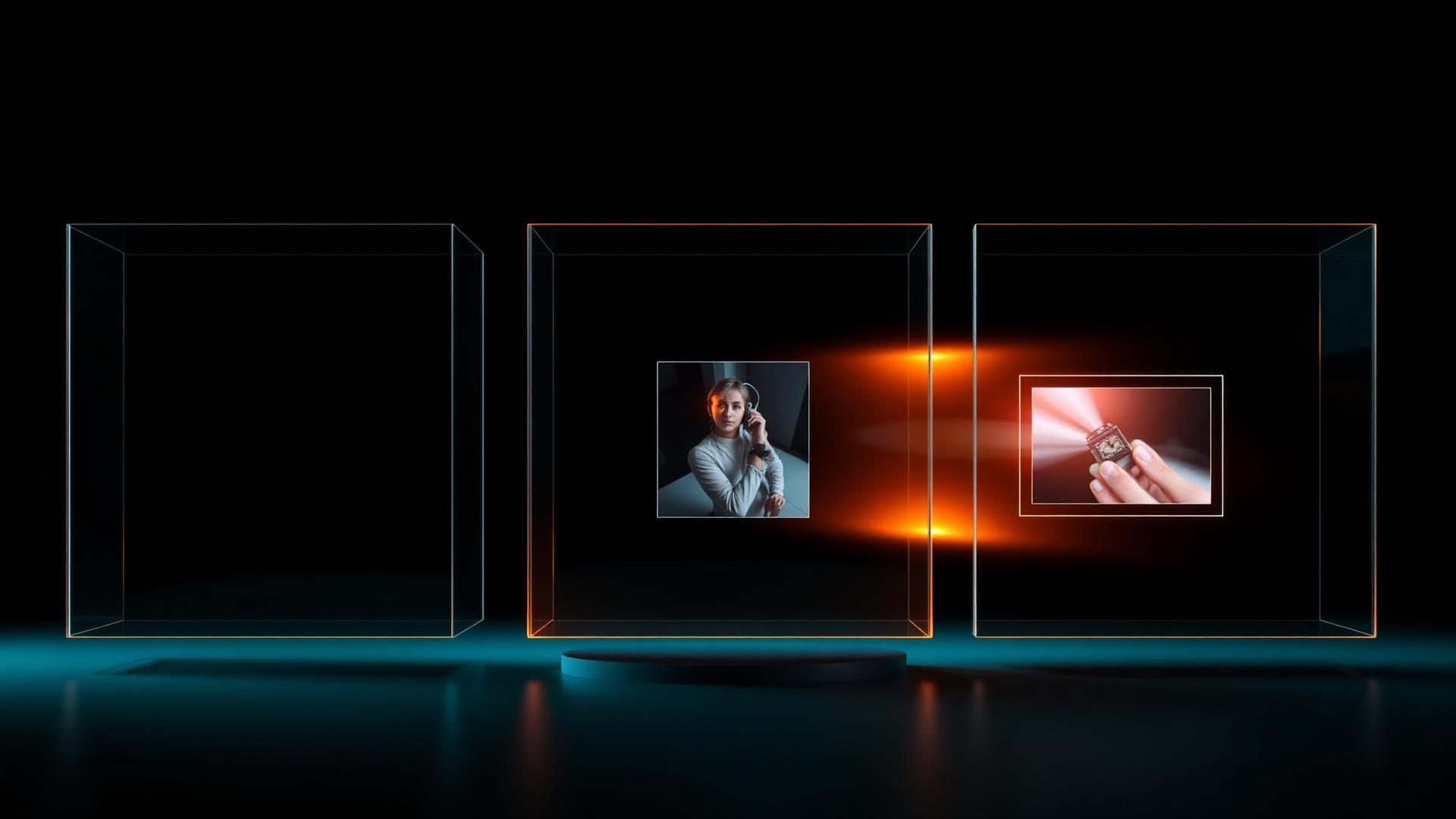
If your ad involves a real product, start from an image rather than pure text. Image-to-video keeps packaging, logo placement, and colour far more stable than describing them in words.
Step 5 — Generate short, then extend
Generate the shortest usable duration first. Judge it. Only extend the takes that already hold up. Long generations on unproven prompts is how credit balances disappear.
Step 6 — Review like a media buyer
Watch with sound off, at phone size, and stop after 1.5 seconds. If you cannot tell what is being sold, the clip fails regardless of how beautiful second four is.
Credit-saving rules
- Never iterate on a prompt more than three times; rewrite it instead.
- Save every prompt that produced clean hands, text, or product geometry.
- Batch generations of one concept, not one prompt.
- Fix framing in the prompt, not in post.
Frequently asked questions
Is Seedance 2.5 available on the free Dreamina tier? Free credits usually exist but newest models are often gated or rate-limited. Availability changes frequently.
Why does my product logo distort? Text and logos are still the weakest area of every video model. Use image-to-video, keep the product larger in frame, and avoid fast motion across the logo.
Can I generate dialogue? Lip-sync quality varies. For ad work, most creators generate visuals and add voiceover separately — it is more controllable and faster to iterate.
Turning clips into ads
A clean Seedance clip is raw material. What makes it an ad is the brief behind it: a real product, a real promise, and a hook aimed at a real buyer.
On AdArena, brands post that brief and creators compete to produce the ad that actually performs. The model is the tool. The brief is the battlefield.
Tal Dahabani
Founder & CEO at AdArena
Tal is the founder of AdArena who believes in performance over ego. He built AdArena because he saw how the traditional agency model was broken — brands spending fortunes on content they couldn't test. His mission: help brands discover what actually works, faster than their competitors.
You Might Also Like

The 8-Question Fine-Print Checklist Before Buying Any Annual AI Video Plan
Eight questions to answer before committing a year of budget to an AI video platform, with the current Seedance 2.5 unlimited saga as the case study.

Seedance 2.5 in CapCut: How to Access It and What It Can Do
Whether Seedance 2.5 is available in CapCut, how to find it, what the limits are, and how to build a full ad without leaving the editor.
40 Seedance 2.5 Prompts for Ads That Actually Convert
A working prompt library for Seedance 2.5 built around ad formats — hooks, product reveals, testimonials, before-and-after, and lifestyle b-roll.
Get Weekly Video Marketing Insights
Join 2,000+ marketers who get our best strategies, case studies, and AI tips every week.
No spam, ever. Unsubscribe anytime.